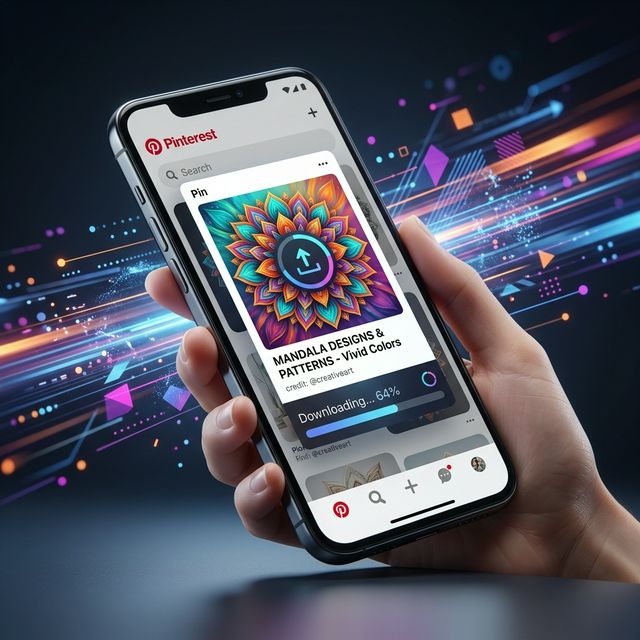
Pinterest is one of the most visual platforms out there, and sometimes you see a video that you just have to save to your phone for offline inspiration.
Why Download on Mobile?
Having videos directly on your iOS or Android device means you can instantly message them to friends, use them in your own editing software, or reference them when you don’t have an internet connection.
Step-by-Step Mobile Guide
- Open the Pinterest app on your phone.
- Locate the video you want to save.
- Tap the Share icon and select Copy Link.
- Open your mobile browser and navigate to our downloader tool.
- Paste the link into the box and tap download!
It's completely free and extremely fast—you don't even have to leave your mobile browser to get high-quality videos locally saved into your camera roll.